The spreadsheet view
هذا المحتوى غير متوفر بلغتك بعد.
On a computer (a window 1024 pixels wide or more), a location’s Table shows every thing in it as a row, for tidying up many things at once. Phones keep the lists.
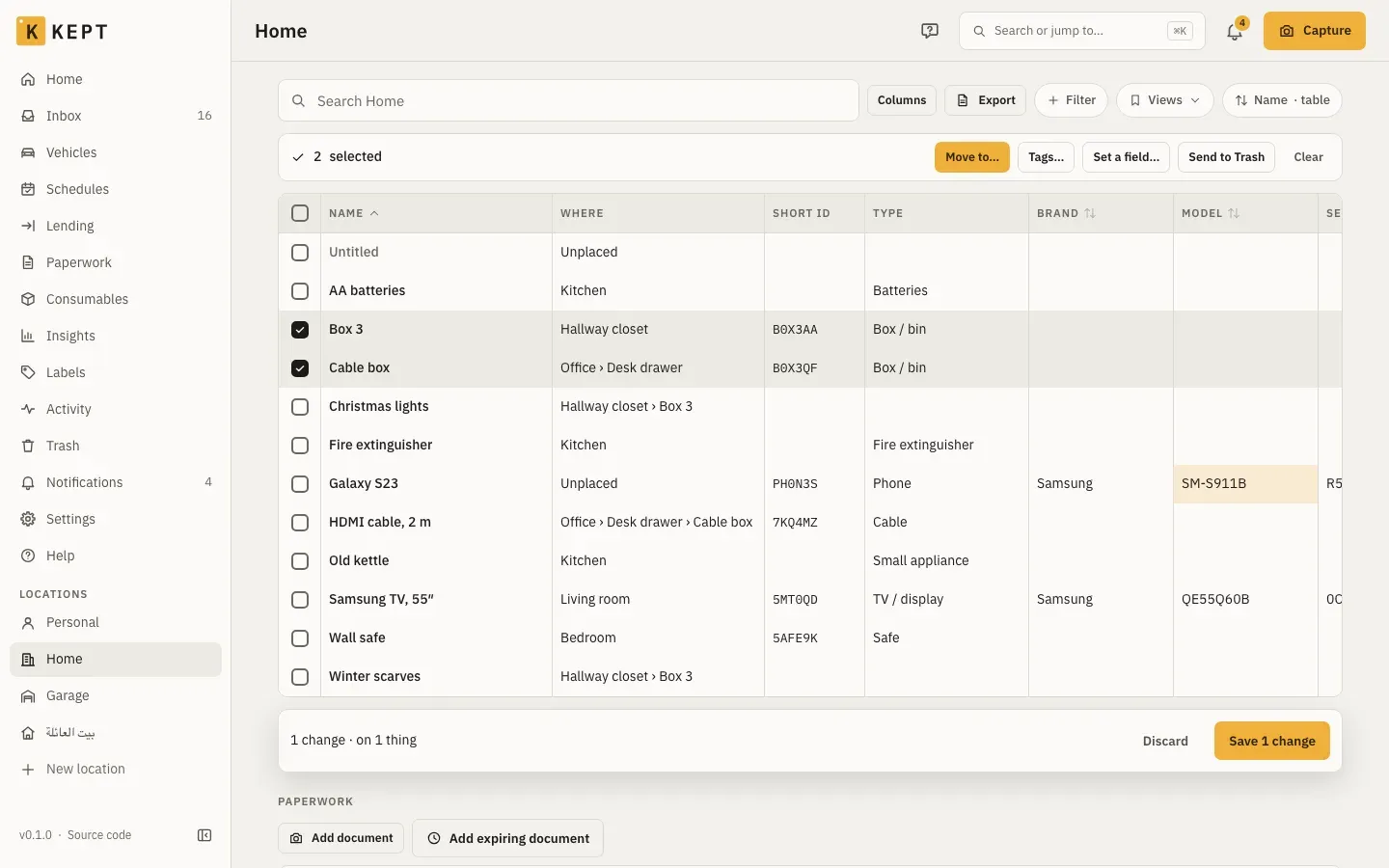
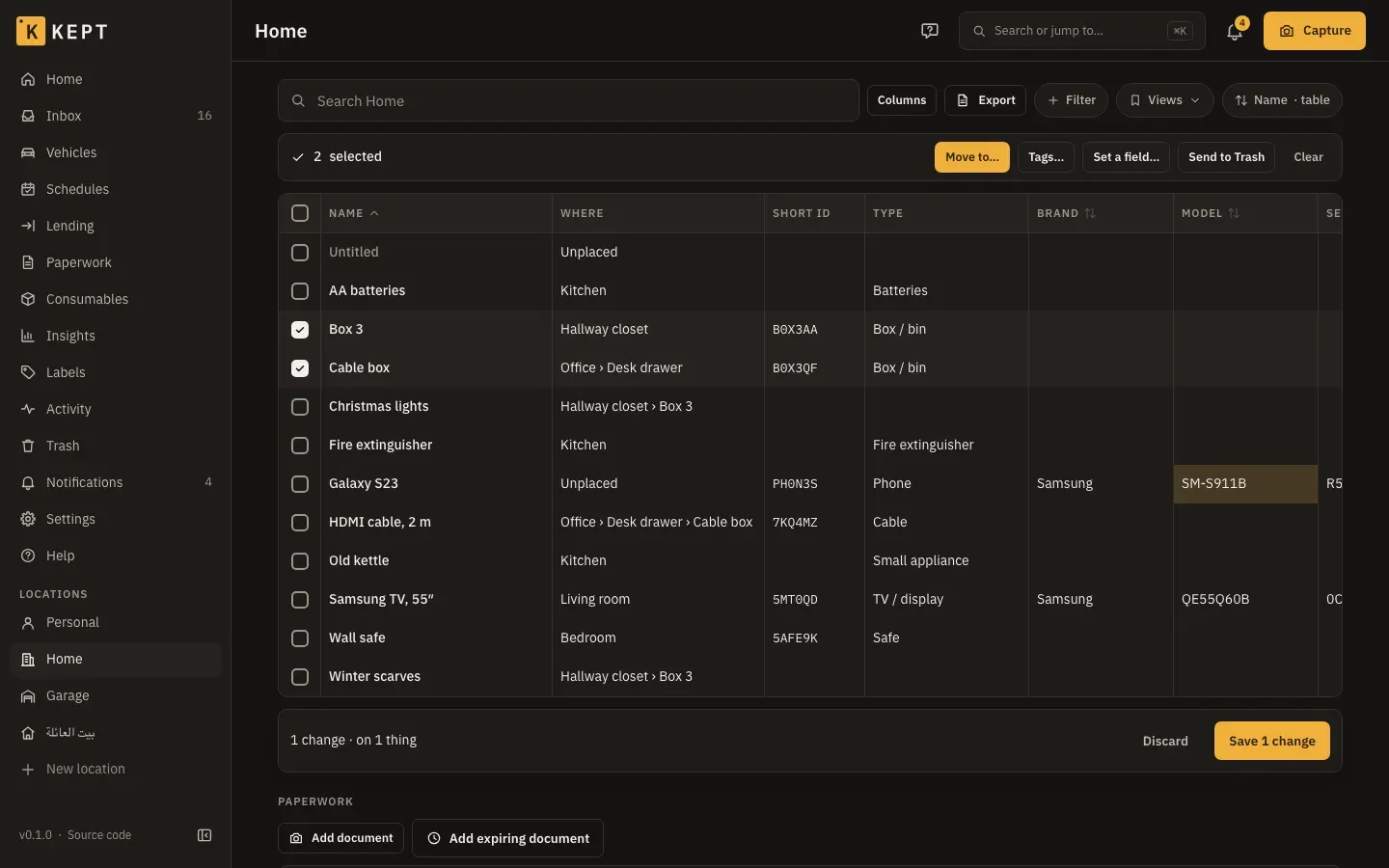
- Columns: name, where, short ID, type, brand, model, serial number, quantity, tags, bought, price, warranty end, condition, colour, barcode, belongs to, expires, notes, last seen and changed. Columns picks which show; Kept remembers the choice for you on that computer. Price shows only where you can see money.
- Search, filters, views, sort and grouping are the location list’s, kept in the address. A column header sorts by that column; press it again to turn the order round.
- Edit in place: double-click a cell, press Enter or F2, or just start typing. Name, where, type, brand, model, serial number, quantity, tags, condition, colour, barcode, belongs to, expires and notes can be edited; the price, purchase and warranty are edited on the thing’s page. Changed cells turn amber and nothing is saved until Save N changes. The same checks as the thing’s form apply (a name is required; a serialized thing’s quantity stays 1).
- Select rows with the box at the start of each row, Space, Shift+↑/↓, Shift-click for a range or ⌘/Ctrl-click for one more. Then Move to… (a room, spot or box in this location), Tags… (add or remove), Set a field… or Send to Trash. Moving, tags and fields wait for Save like any other change; the Trash happens at once, up to 200 at a time, after asking what happens to what’s inside a box and about anything lent out. The list’s own Select has the same Move to Trash (Locations, rooms and boxes).
- Undo: after a save, one Undo takes back every change in it. After Send to Trash, one Undo brings them all back.
- Someone else changed a row since you opened the table: the other rows save, and that one keeps your change with a warning at the start of the row. Open it to Keep mine (save yours over theirs) or Keep theirs.
- Export downloads the rows as a CSV, as on the list.
Keys: arrows move between cells (Home and End to the row’s ends, Page Up and Page Down by ten rows), Tab moves across, Enter edits or saves the cell and moves down, Escape cancels an edit or clears the selection, Delete clears a cell (not the name, quantity or place), ⌘/Ctrl+A selects every row loaded and ⌘/Ctrl+S saves. Viewers see the table but can’t change it.
Related
Section titled “Related”- Locations, rooms and boxes for the tree the rows point at.
- Import and export for bringing many things in, and CSV export.
- Everyday use for the wider picture.